Pixnub Home › Forums › Face Crop › Face Crop Preset Gone › Reply To: Face Crop Preset Gone
 Alyssa Bell
It’s not supposed to but each Photoshop version has it’s own files and sometimes the preset files don’t get transferred over like they’re supposed to.
You can search in Finder or in Explorer the name of one of your Face Crop presets and see if you can find where they’re stored and copy them over the same folder in the new Photoshop version.
Or , you can export your presets from the old version. Although Photoshop by default now uninstalls old versions when you install a new one so it may not still be installed. Either of these will only work if you still have the old version of Photoshop installed.
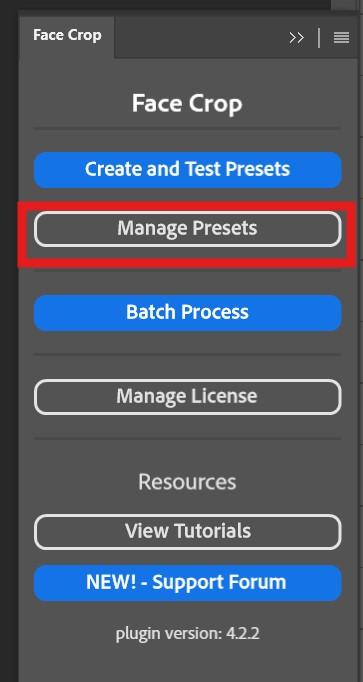
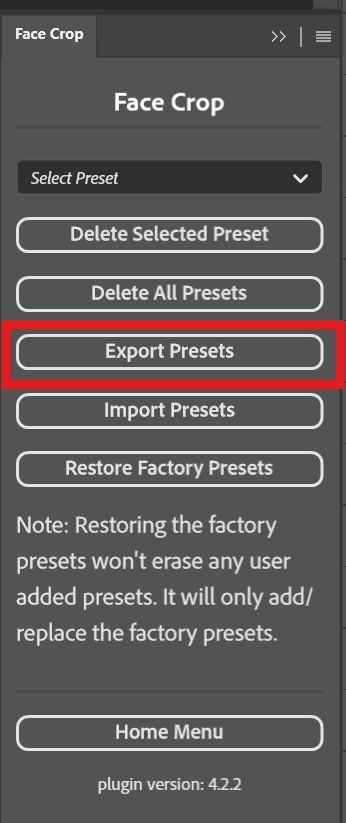
For future reference for safety measure, export your presets by going to Manage Presets > Export Presets.