Pixnub Home › Forums › Face Crop › Crop Resolution Changing › Reply To: Crop Resolution Changing
 Damon Bell
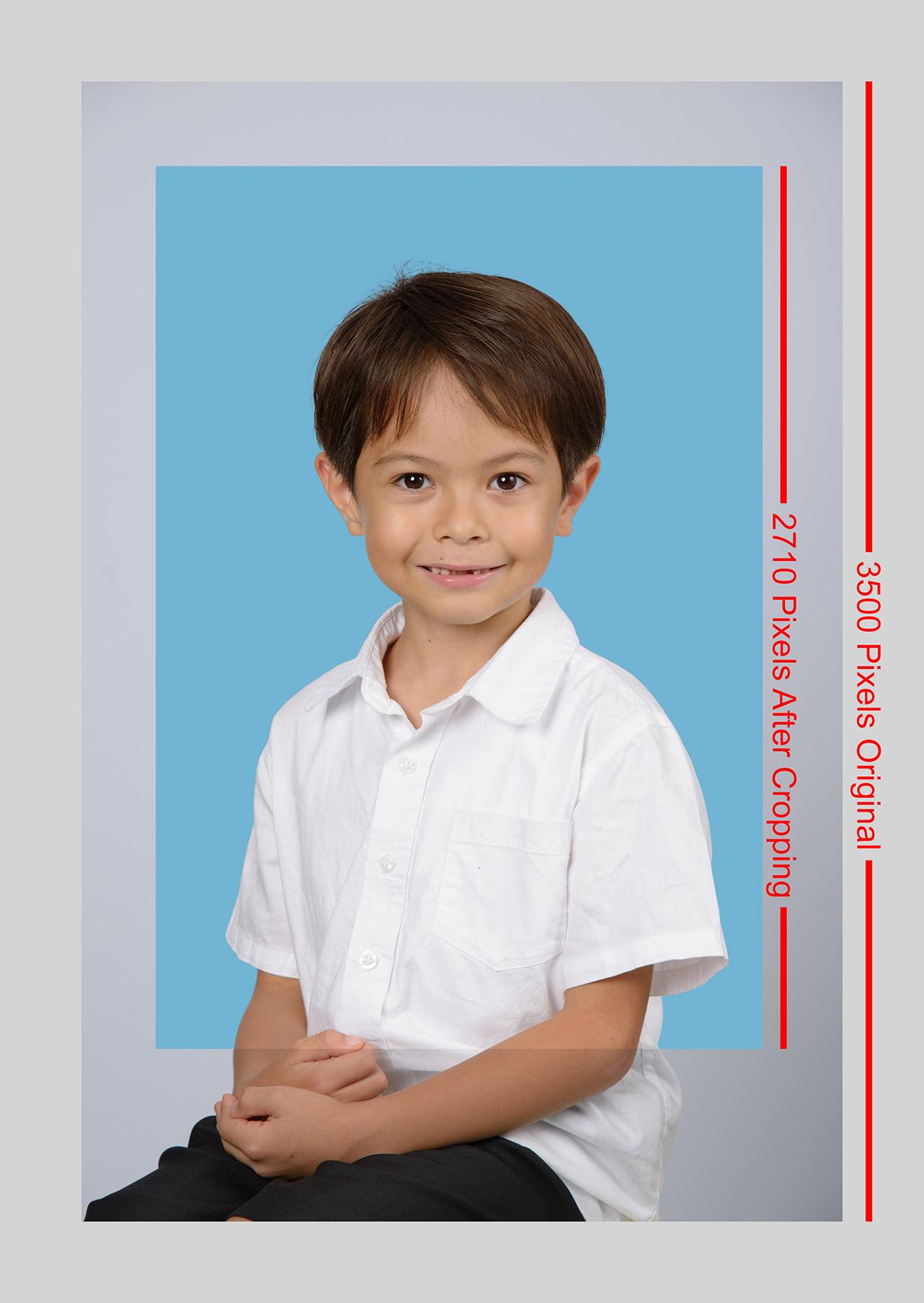
See the attached image here. This should visually explain it. You had 3500 pixels before cropping. You had 2710 pixels after cropping.
So if you are saving as 8″x10″ then that comes out to be 271 Pixels Per Pinch (2710 pixels divided by 10 inches).
The only way to get 300 PPI at 8×10 would be to upsize to 3000 pixels tall after cropping it to 2710 pixel.
Because upsizing leads to quality loss, Face Crop doesn’t upsize by default. You can change it to upsize by making a new preference. In the preference, turn on the checkbox that says “Resample” Then set the PPI to 300. Just know in your case it need to enlarge the images to get to 3,000 pixels since you are cropping them smaller than 3,000 pixels.